Sign in at https://app.pigeonfiles.com and open the support chat. Describe what you were trying to do and what happened instead.
If you cannot sign in or open chat, email admin@pigeonfiles.com. This is also the contact address listed in our Privacy Policy and Terms of Service.
Include your workspace name, the steps that led to the problem, and whether it happens every time or only sometimes. If the issue concerns a specific upload page or submission, include its name or link and the approximate time of the problem. Include the exact error message, if one appeared.
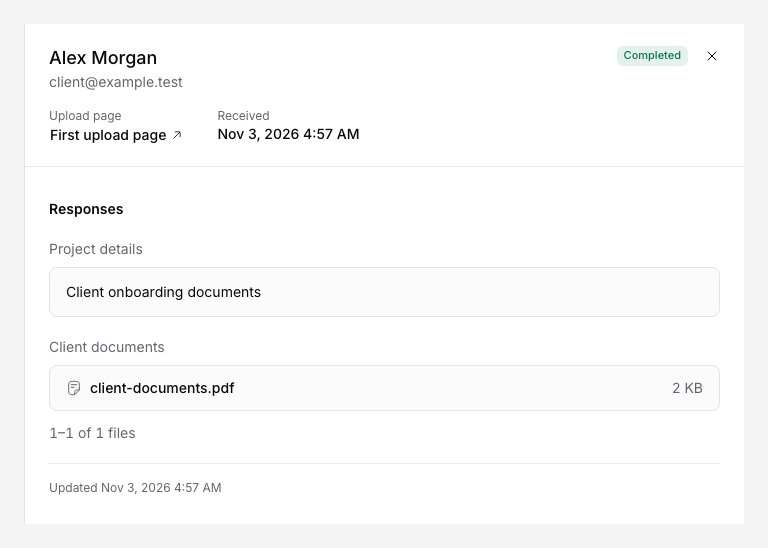
For a delivery issue, include the storage provider and submission identifier, if available. You do not need to send us the uploaded file to start an investigation. A screenshot can help, but hide private information first.
Do not send passwords, authentication codes, API keys, access tokens or payment card details. Support will not ask you to share those through chat.
If you are uploading files for someone else, contact the person or organization that gave you the upload link to change a deadline, confirm which documents they need, or ask how they will use your files. They control that upload page and its destination.