Start with the message on the upload page. Keep the recipient’s link and the approximate time of the attempt so they can find the submission.
| Problem | What to do |
|---|---|
| Page unavailable, disabled, expired, or archived | Ask the person who sent the link to check page availability. They may need to enable it or send a replacement link. |
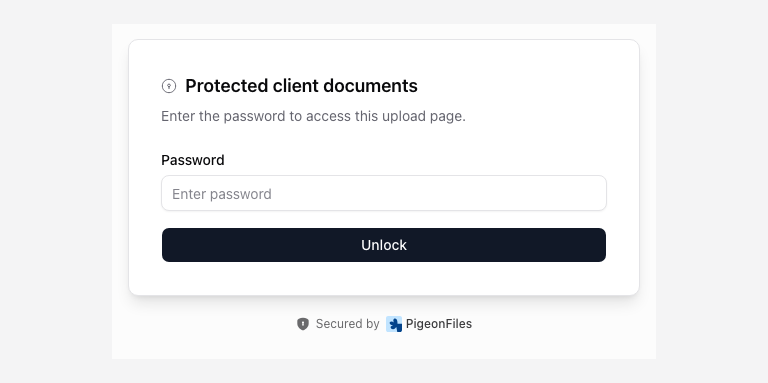
| Password rejected | Ask the recipient for the page password. Copy it without extra spaces. Signing into PigeonFiles does not bypass it. |
| File type rejected | Use an accepted format listed on the page. Export or convert the document in its original application; changing the extension does not convert it. |
| Too many files or a file is too large | Follow the displayed limits. Ask the recipient before splitting a collection across submissions. |
| Required answer missing | Complete the highlighted field. Changing an earlier answer can reveal another required question. |
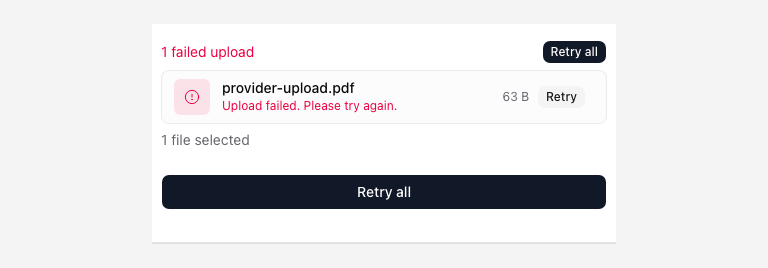
| Upload stalled or failed | Check your internet connection, keep the tab open, and use the retry action offered on the page. |
| Storage authorization or folder access error | Contact the recipient. They must repair their storage connection or choose an accessible folder. |
Avoid duplicate submissions
If the page says Upload completed but could not be confirmed, the provider may already hold the file. Ask the recipient to check their submission records and destination before starting again. Include the filename, time, and exact message. Do not keep submitting the same files to test an uncertain result.
A closed tab or interrupted connection does not guarantee that the upload will resume. Reopen the link and check with the recipient if you cannot tell whether the first attempt completed.
For the person collecting files
Open Received submissions and inspect the matching record before requesting another upload. Check storage connection health and page availability. Share the error wording with support, without passwords or private documents.