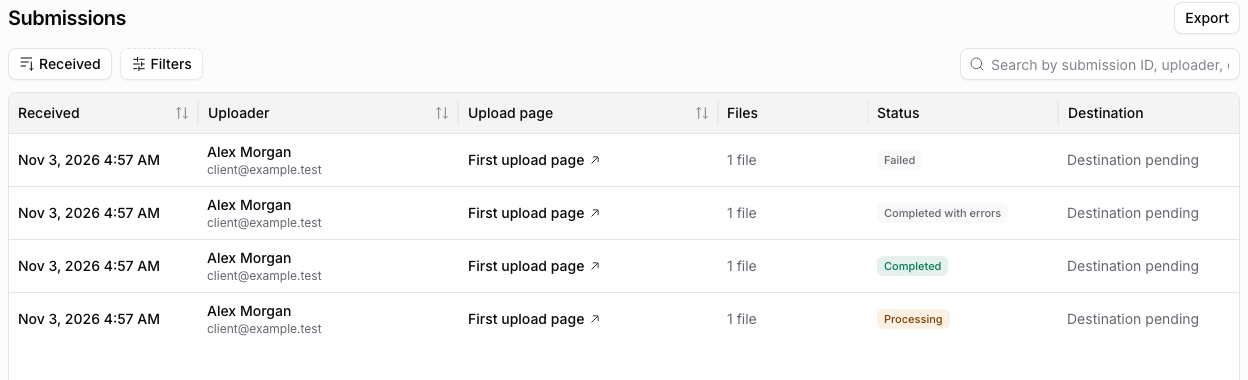
Open Submissions to see who responded, what they sent, and which records need attention. Search and filter the list before opening a record.
Review an individual response
Follow Review and export submissions to inspect answers, uploader details, file references, and processing outcomes. Check file-level information as well as the overall status. A completed upload can still have a later processing error.
Opening a storage link requires access at that provider. A teammate’s ability to see the submission does not grant permission to open the cloud file.
Track intake over time
Use a CSV export for a selected reporting period or Google Sheets for a continuing log. Choose one row per submission for request-level tracking or one row per uploaded file for file-level review.
Use the missing-document checklist recipe to compare received categories against expected documents. Your team maintains the expected list and follow-up process.
Investigate missing work
Start with Troubleshoot automations for missing messages, rows, extraction results, or external runs. Check whether a file arrived before repeating an uncertain submission. Send the submission identifier, exact error, and time to support if the record needs investigation.