Find the symptom below. If you are collecting files, inspect the matching submission before asking someone to upload again.
| Symptom | Start here |
|---|---|
| Sign-in email missing or link expired | Sign-in and recovery. Request a fresh link and check the email address. |
| Workspace or page missing | Workspace selection and page library. Check membership and archived pages. |
| Uploader asked to sign in | Copy the public link from Share, not the editor URL. Sharing guide. |
| Page disabled, expired, archived, or blocked by plan | Page availability. Check the notice before re-enabling. |
| Page will not enable or save | Check highlighted field labels, choices, passwords, destinations, and plan requirements. Create a page. |
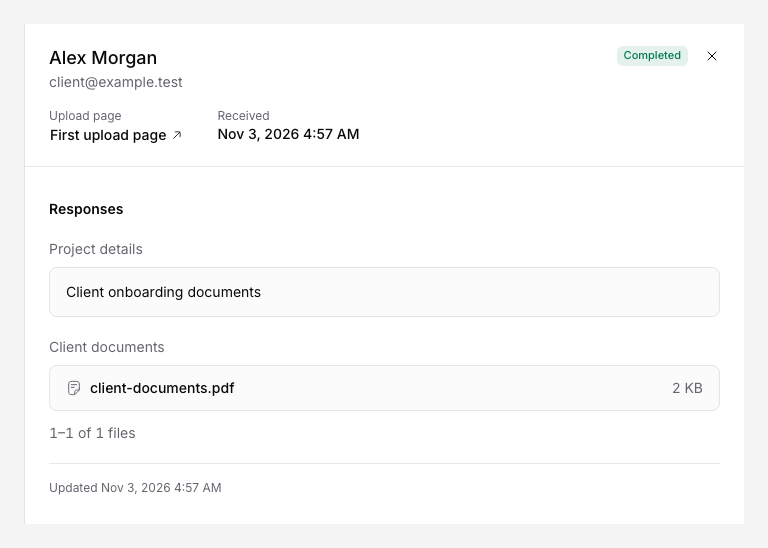
| File rejected, upload interrupted, or outcome uncertain | Fix upload problems. Check for a completed file before retrying. |
| Storage connection needs attention | Destination health. Reauthorize the correct owner or choose an accessible folder. |
| File in the wrong folder or with an unexpected name | Folder organization. Compare saved rules and submitted answers. |
| Questions appear or become required at the wrong time | Conditional fields. Check the earlier source question and all/any rules. |
| Missing email, Sheet row, webhook, or external run | Troubleshoot automations. Find the failed stage. |
| AI missing, skipped, or inaccurate | AI processing and credits. Check file support, balance, outcome, and extraction hints. |
| Embed clipped or blank | Embed guide. Check the hosted page, website block, height, and allowed origin. |
| Payment or seat change uncertain | Plans and billing. Read the current status before repeating checkout. |
Get help with an unresolved problem
Contact support with the workspace, page or submission ID, storage provider, exact error message, and approximate time. Mention the checks you completed. Send a cropped screenshot with private details removed if it helps.
For suspected unauthorized access, billing disputes, or a deletion request, contact support directly. Do not send passwords, API tokens, private documents, or payment card details.